Digital impression checklist before you send the scan
Most design delays are caused by the same five issues in the scan. Checking them takes two minutes at the chair.
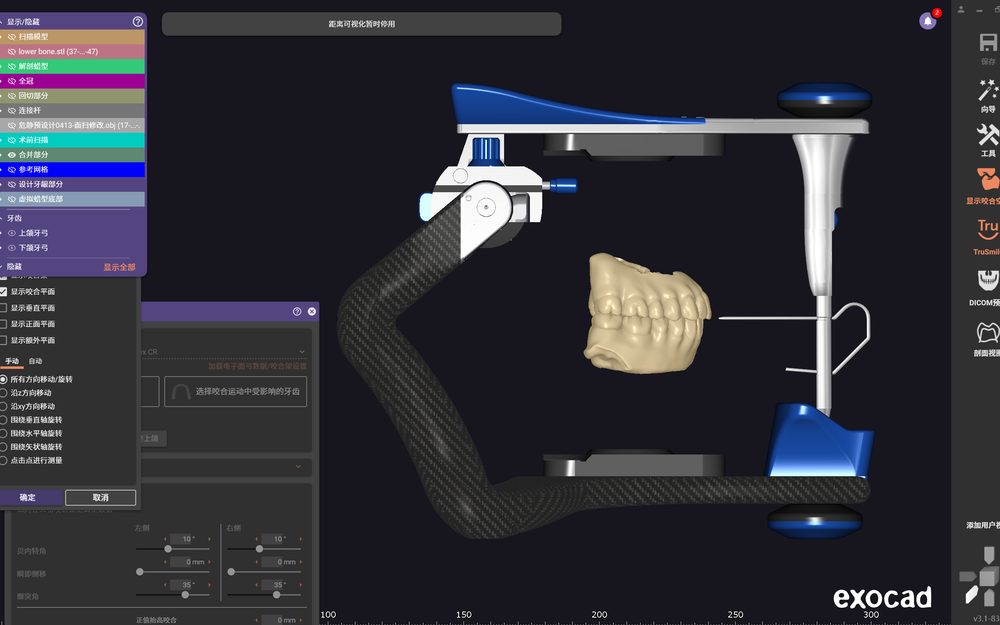
1. Margin visibility
The margin must be visible on the scan, not inferred from the neighbouring tooth. If the scanner cannot see it, the design software will not either — it will interpolate, and the restoration will be short at the margin.
2. Opposing arch and bite
Send the opposing arch and a bite registration. A scanned preparation without the opposing arch forces us to design the occlusion blind, which is how a crown ends up high in the chair.
3. The full arch, not only the preparation
The full arch gives the design software the adjacent contacts and the occlusal curve. A single prepared tooth floating in space produces a restoration with no reference.
4. Implant scan body seated
For implant cases, confirm the scan body is fully seated and that its rotation is captured. A partially seated scan body produces a restoration that cannot seat, and the error is invisible in the software.
5. Shade and photographs in the same message
Attach the shade photograph and the stump shade photo with the scan, in the same message. When they arrive separately, the case waits — and the shade is often the reason a case is remade.
Common questions
What file formats do you accept?
STL and PLY from any scanner, plus OBJ where the scanner exports it. DICOM for CBCT-based work.
Can you work from a stone model?
Yes, but the model has to be shipped or scanned. For most export cases a scan is faster and cheaper.